
Download Bauchi State Civil Service Recruitment Appointment Letter
The Bauchi State Government wishes to inform candidates who participated in the 2025 State Civil Service Recruitment Interview that they can now check their application status and download/print their appointment letters by logging into the recruitment portal.
All the affected applicants are therefore advised to visit the Bauchi State CSC recruitment portal and follow the necessary guidelines. The appointment letters that will be the evidence for documentation at the assigned MDA (Ministry, Department, or Agency) after confirming your appointment into the Bauchi State Civil Service.
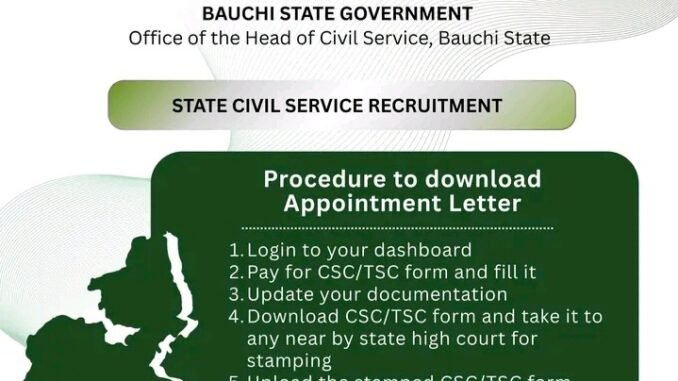
Procedure to Download Bauchi State Civil Service Appointment Letter
- Visit the Bauchi State Civil Service Recruitment Portal below and and log in to your dashboard.
https://recruitment.bauchistate.gov.ng
Or
https://recruitment.bauchistate.gov.ng/applicant/login
- Pay for the CSC/TSC form and fill all th necessary information correctly.
- Update your documentation
- Print out the CSC/TSC form and take it to any nearby State High Court for stamping.
- Upload the stamped CSC/TSC form to the portal for verification.
- Wait for approval from the Civil Service Commission.
- Once approved, download your appointment letter.
- Visit the your MDA with the printed appointment letter and all your original relevant credentials for documentation.
Applicants are advised to make sure that all the uploaded documents are clear, accurate and correspond to the originals. Errors or missing documents will delay their appointment approval.
Be the first to comment